
Multi File Upload Editor
https://github.com/user-attachments/assets/861e0193-a3dd-4956-b5b9-294a282246eb
Light mode

Dark mode

changelogs available here: https://github.com/error311/multi-file-upload-editor-docker/
Multi File Upload Editor is a lightweight, secure web application for uploading, editing, and managing files. It’s built with an Apache/PHP backend and a modern JavaScript frontend (ES6 modules) to provide a responsive, dynamic file management interface. The application is ideal for scenarios like document management, image galleries, firmware file hosting, or any situation where multiple files need to be uploaded and organized through a web interface.
Features
- Multiple File/Folder Uploads with Progress:
- Users can select and upload multiple files & folders at once. Each file upload shows an individual progress bar with percentage and upload speed, and image files display a small thumbnail preview (default icons for other file types).
- Built-in File Editing & Renaming:
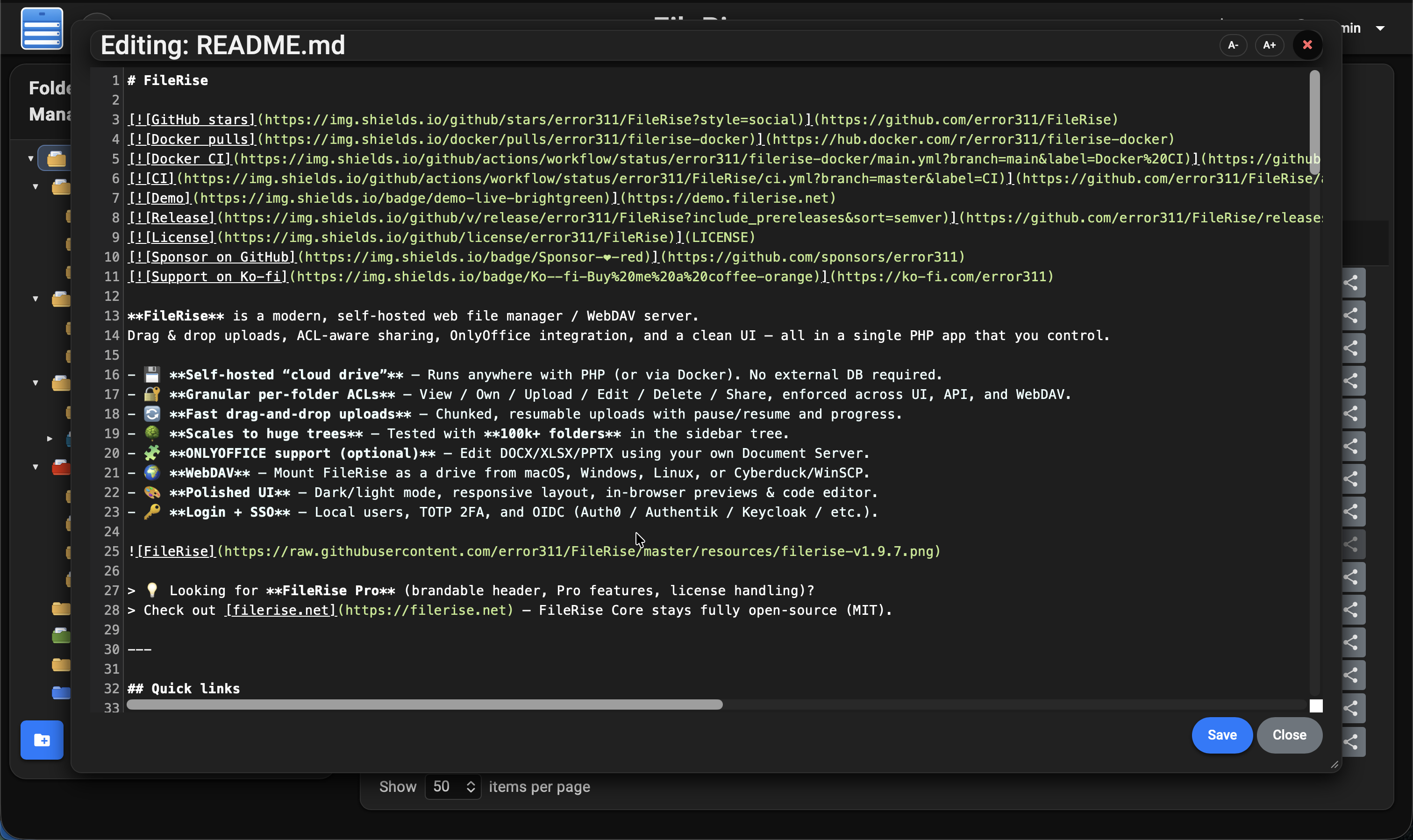
- Text-based files (e.g., .txt, .html, .js) can be opened and edited in a modal window without leaving the page. The editor modal is resizable and now uses CodeMirror for syntax highlighting, line numbering, and zoom in/out functionality—allowing users to adjust the text size for a better editing experience. Files can also be renamed via a dedicated “Rename” action without needing to re-upload them.
- Built-in File Preview:
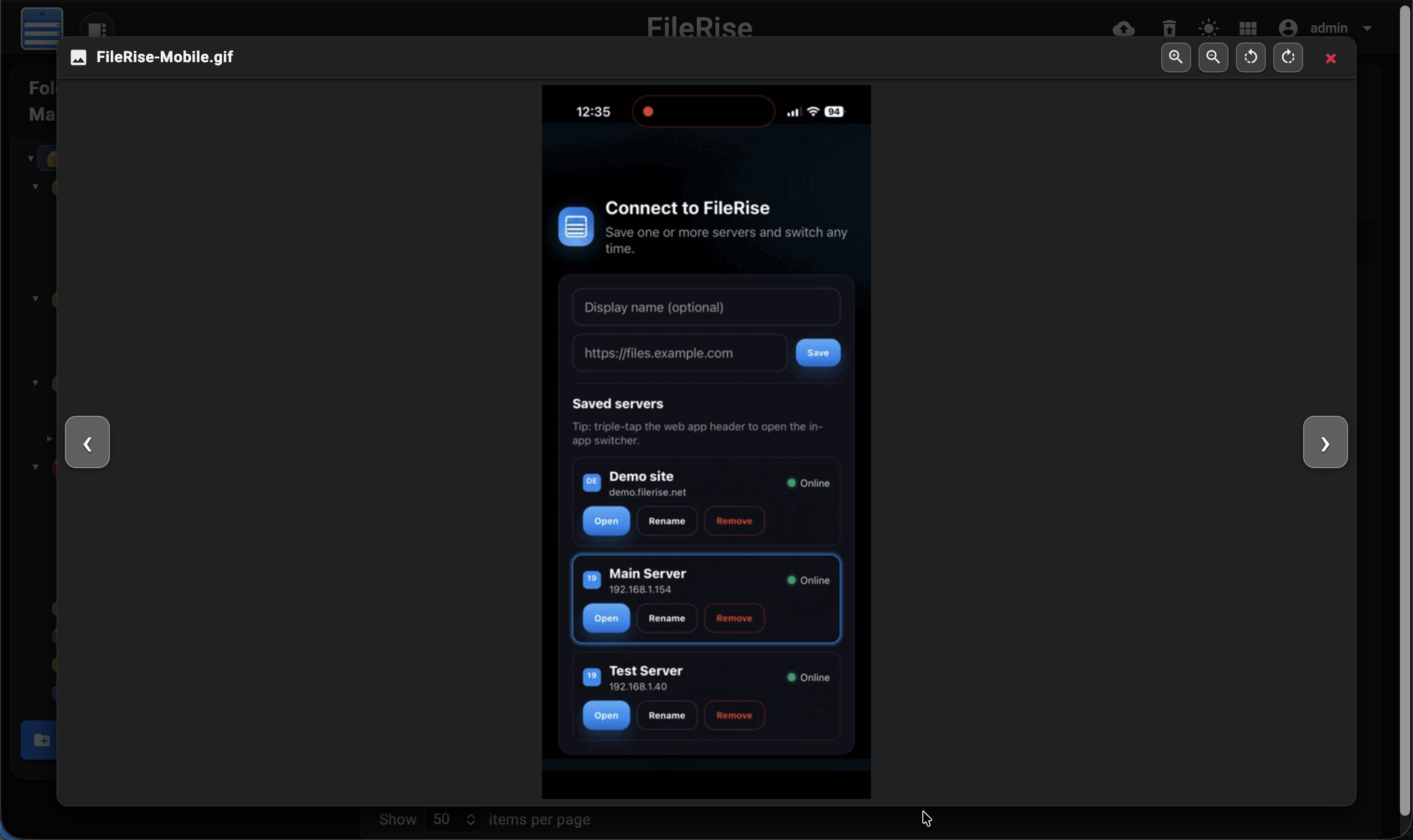
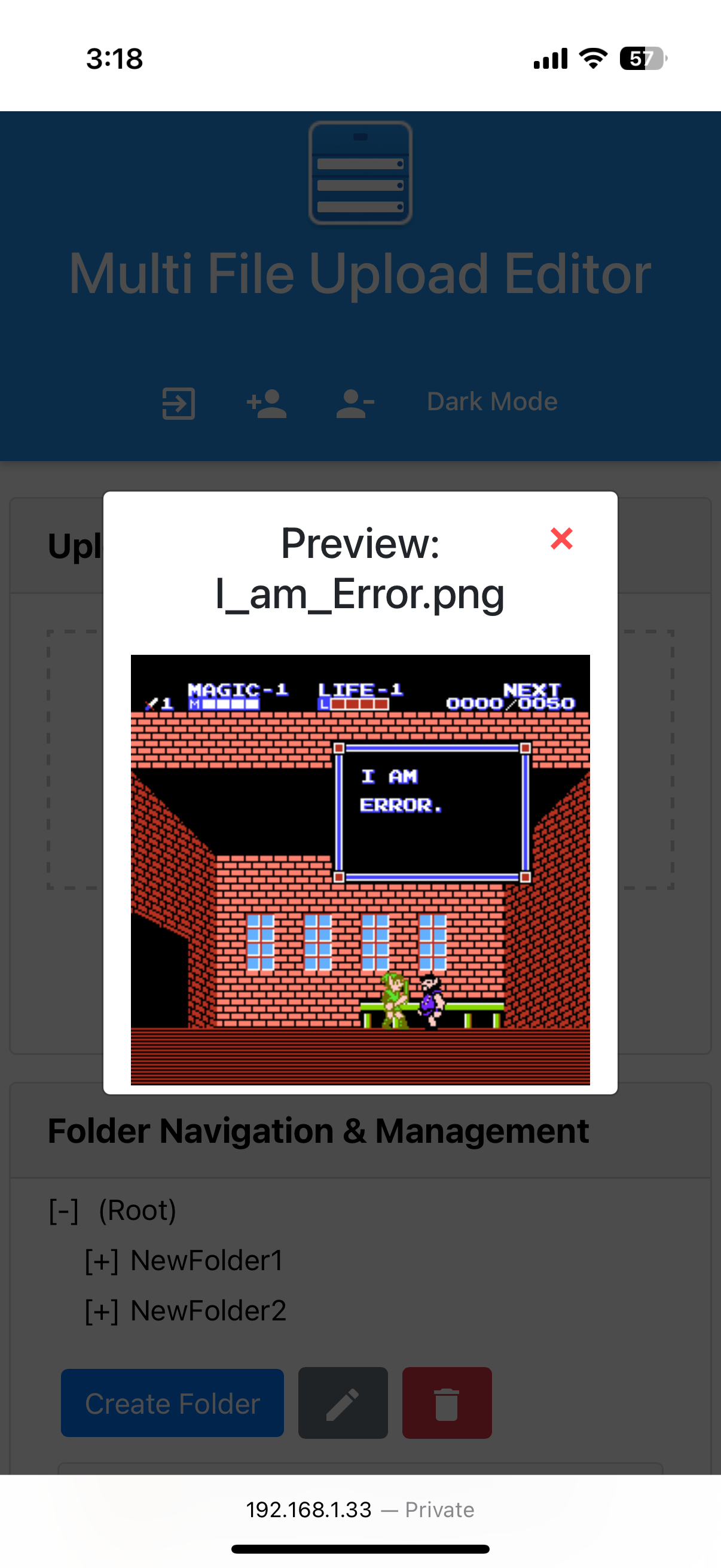
- Users can quickly preview images, videos, and PDFs directly in modal popups without leaving the page. The modal maintains a responsive, centered layout that scales with the content. Different Material icons—image for photos, videocam for videos, and picture_as_pdf for PDFs—provide clear visual cues, and custom CSS (including fine-tuning with negative margins) ensures that icons are perfectly aligned. PDFs are embedded at optimal dimensions for a clear, readable view, while video previews include built-in playback controls.
- Batch Operations (Delete/Copy/Move/Download):
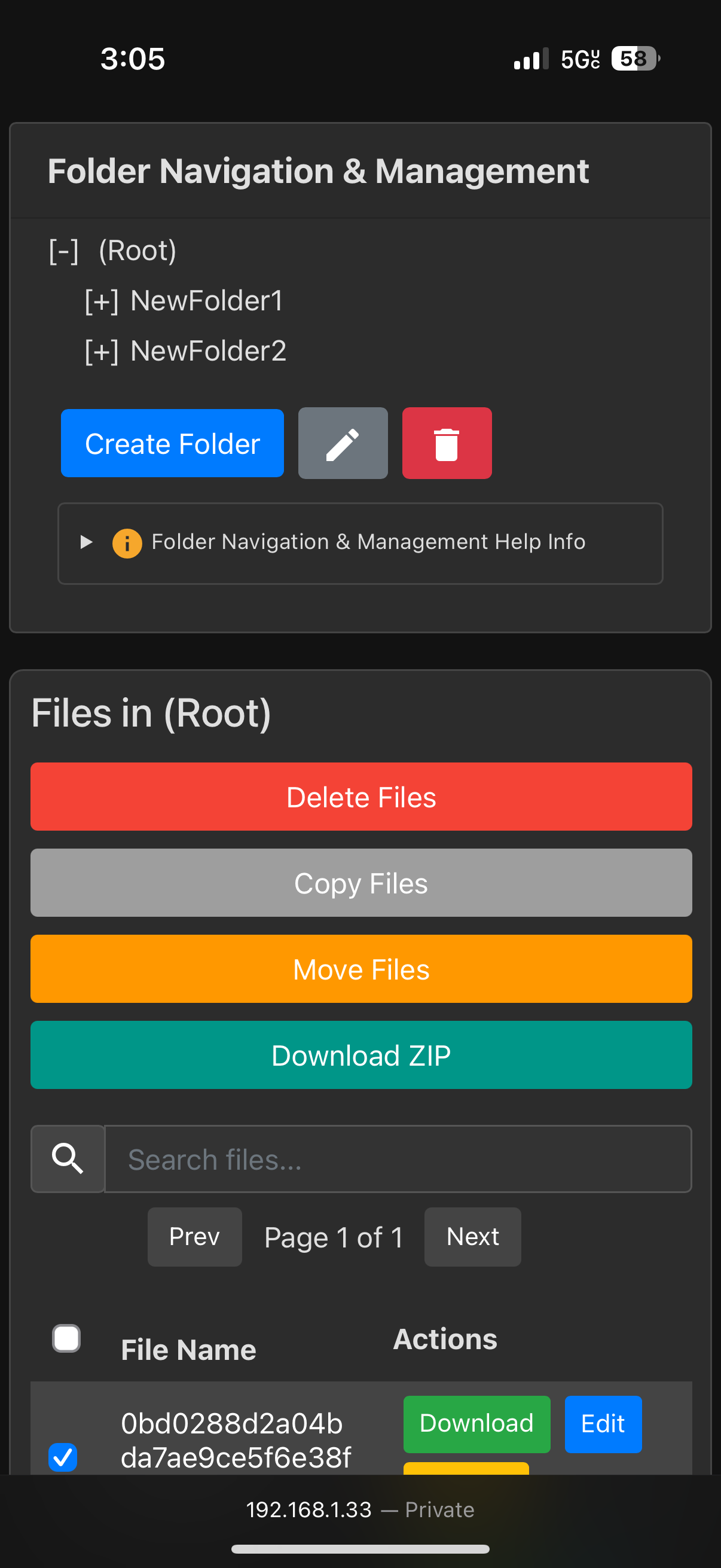
- Delete Files: Delete multiple files at once.
- Copy Files: Copy selected files to another folder.
- Move Files: Move selected files to a different folder.
- Download Files as ZIP: Download selected files as a ZIP archive. Users can specify a custom name for the ZIP file via a modal dialog.
- Folder Management:
- Supports organizing files into folders and subfolders. Users can create new folders, rename existing folders, or delete folders. A dynamic folder tree in the UI allows navigation through directories and updates in real-time to reflect changes after any create, rename, or delete action.
- Sorting & Pagination:
- The file list can be sorted by name, last modified date, upload date, size, or uploader. For easier browsing, the interface supports pagination with selectable page sizes (10, 20, 50, or 100 items per page) and navigation controls (“Prev”, “Next”, specific page numbers).
- User Authentication & Management:
- Secure, session-based authentication protects the editor. An admin user can add or remove users through the interface. Passwords are hashed using PHP’s password_hash() for security, and session checks prevent unauthorized access to backend endpoints.
- Responsive, Persistent, Dynamic UI:
- The interface is mobile-friendly and adjusts to different screen sizes (hiding non-critical columns on small devices to avoid clutter). Updates to the file list, folder tree, and upload progress happen asynchronously (via Fetch API and XMLHttpRequest), so the page never needs to fully reload. Users receive immediate feedback through toast notifications and modal dialogs for actions like confirmations and error messages, creating a smooth user experience. Session persistent UI elements Items Per Page, Dark/Light Mode & Folder tree view.
- Dark Mode/Light Mode
- Automatically adapts to the operating system’s theme preference by default, with a manual toggle option.
- A theme toggle allows users to switch between Dark Mode and Light Mode for an optimized viewing experience.
- Every element, including the header, buttons, tables, modals, and the file editor, dynamically adapts to the selected theme.
- Dark Mode: Uses a dark gray background with lighter text to reduce eye strain in low-light environments.
- Light Mode: Retains the classic bright interface for high visibility in well-lit conditions.
- CodeMirror editor applies a matching dark theme in Dark Mode for better readability when editing files.
Screenshots


iphone:
based off of: https://github.com/sensboston/uploader
Prerequisites
- Apache2, configured, up and running
- PHP 8.1 or higher
- Required PHP extensions:
php-json,php-curl,php-zip